|
Product Details:
|
| Product Name: | Dark Room Timer | Voltage: | 220V AC |
|---|---|---|---|
| Timer Range: | 1Sec~59 Mins 59 Secs | Display: | 24 Hour (will Not Affected During Power Fail) |
| Highlight: | digital dark room timer,x-ray flaw detector timer,non-destructive testing timer accessories |
||
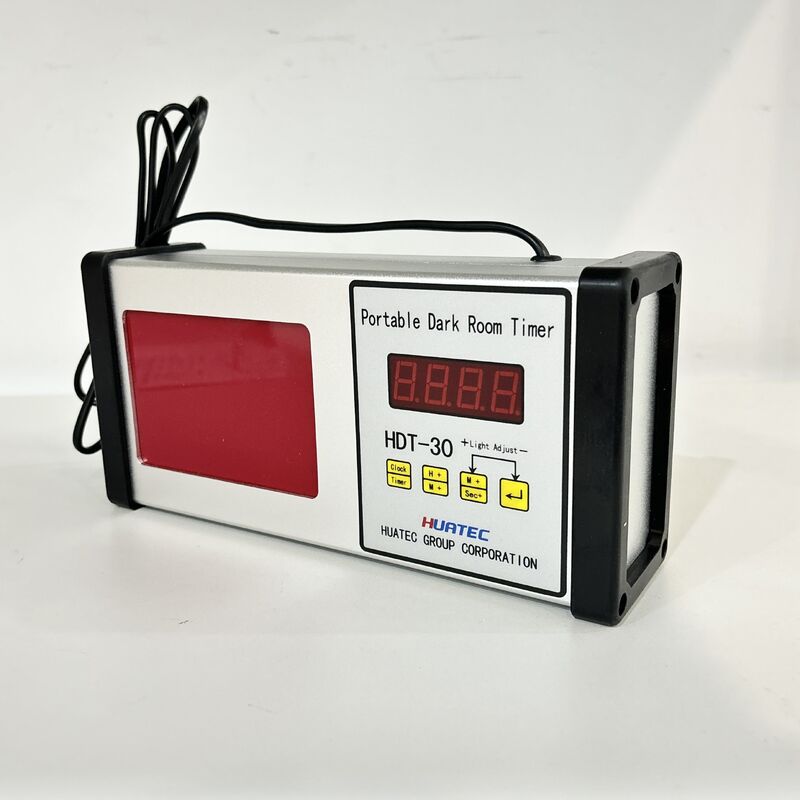
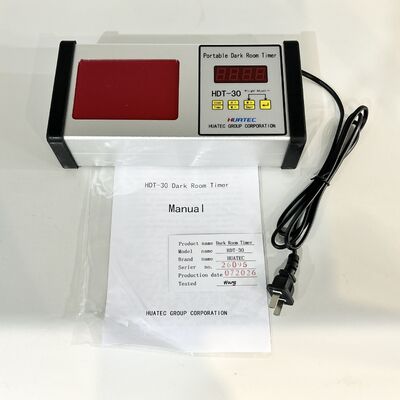
Digital Dark Room Timer Accessories for X-Ray Flaw Detector
1. Introduction
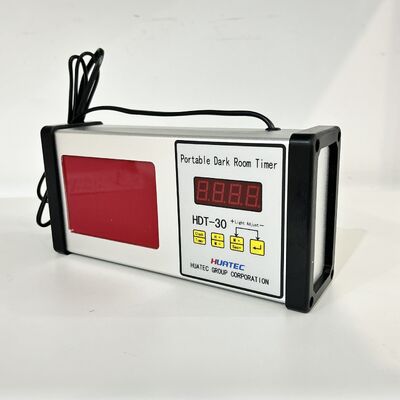
HDT-30 type darkroom timer is the company's self-developed set of timing, clock, adjustable LED red light is one of the special darkroom washing tools. The instrument is made of aluminum alloy shell and PVC seal buttons, can be used in washing room acidic aerosol term, you can display the current clock as a watch, but also can be used as a countdown timer.
2. Technical Sheet
| Voltage | 220V AC |
| Timer Range | 1Sec~59 Mins 59 Secs |
| Display | 24 hour (will not affected during power fail) |
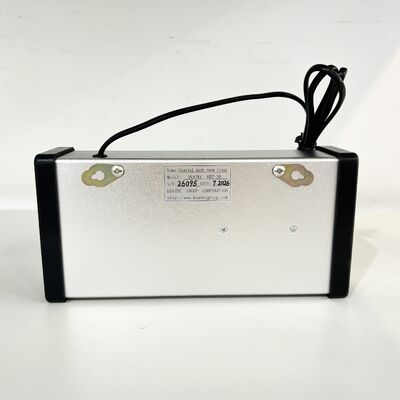
| Dimension | 260×120×60mm |
| Weight | 500g |
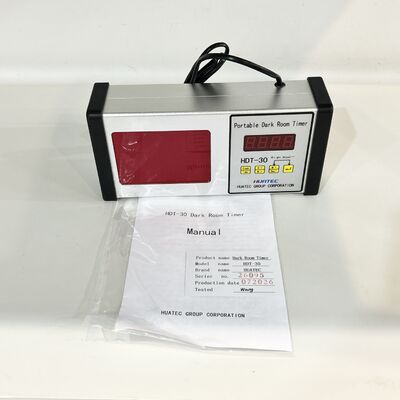
3. Manual
Instrument is switched on for the clock screen, press the clock / timer button can convert between clock and timing.
1) Adjust Date Time
Under state time clock + / min + enter clock adjustment state, then second point of the second digit after the stop flashing, the clock stopped at the current time, press one time + / min + key, then hours +1. Holding on the button, then hours of continuous +1 exceeds 23:00 zeroing continue +1; by a sub + / sec + key, the sub +1. holding on the button, the minutes of continuous +1, over 59 time back to zero continue +1. Adjusted to the correct time and press ← | when key recovery to go, seconds after the point of the second digit will begin to flash.
2) Adjust Timer
Under clock mode, press the clock / timer button, the current timer will be displayed, there the first two digits of the number is minutes, and the last two digits of the number is seconds.. Timer can be set up upto 59 minutes 59 seconds.
In timer mode, press one time + / min + key minutes +1, when holding the button, the minutes of continuous +1, over 59 will back to zero and continue +1; by sub + / sec + key seconds +1, when holding the button, the second consecutive +1, over 59 when zeroing continue +1. Adjusted to the desired time and press ← | key to start the countdown, the timer will buzz after 1 seconds for 10 times.
3) Adjust Brightness
The device will stay at 50% brightness after switching on To adjust the brightness, in the clock mode, click on sub + / sec + key to increase the brightness of the red light until reach the maximum. Press ← | key for brightness decreases, until reaching the minimum brightnes.
![]()
![]()
Contact Person: Ms. Shifen Yuan
Tel: 8610 82921131,8618610328618
Fax: 86-10-82916893